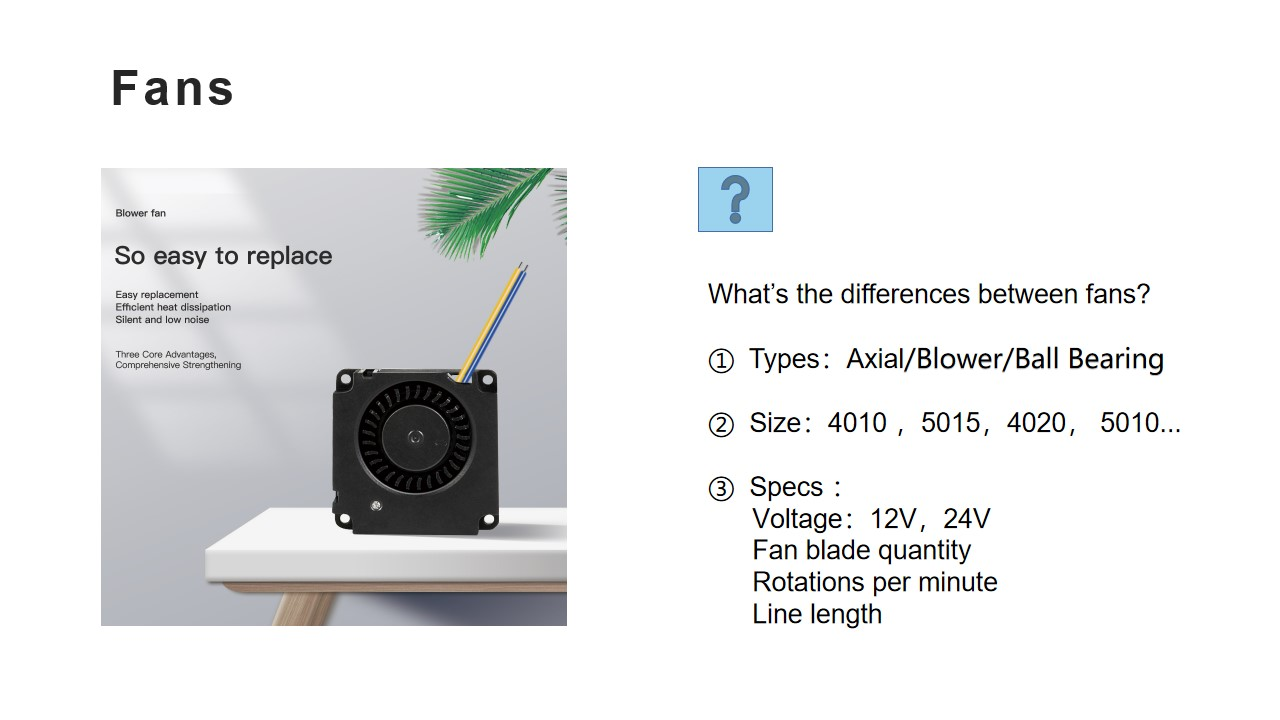
Replacing a worn or failed toolhead fan is essential for preventing heat creep and ensuring reliable print quality. This universal guide applies to most Creality printer models and covers the complete replacement process, including removing the front cover, disconnecting the fan cable from the extruder board (with tips for handling the strong yellow adhesive commonly found on Creality connectors using some Iso Alcohol to loosen plastic), and securing the new fan to the heat sink using the appropriate hex drivers.
Install Video:
Note: Instead of lighter, if you have hot air gun that would also work and preferable.
Replacement Fans Kits Referenced:

Was this article helpful?
That’s Great!
Thank you for your feedback
Sorry! We couldn't be helpful
Thank you for your feedback
Feedback sent
We appreciate your effort and will try to fix the article