The part cooling duct and fan play a crucial role in maintaining optimal print quality on your Creality K2 Plus 3D printer. If they're damaged or failed bearings, replacing them is a relatively simple process that can help with cooling parts for better overhangs. This guide provides a step-by-step walkthrough video of the replacement process, including detailed instructions and expert tips, to help you successfully replace your part cooling duct and fan and get back to printing high-quality parts.
TABLE OF CONTENTS
- Spare Part:
- Install Video:
- Written Guide:
- Step 1: Turn off the machine and unplug the machine.
- Step 2: Remove Rear Protective Carrier
- Step 3: Unplug the Fan Connector From Control Board
- Step 4: Unplug the nozzle camera plug.
- Step 5: Remove the front cover.
- Step 6: Remove the 2 retaining fastners marked below, ensure you keep the safe for re-install.
- Step 7: Push downwards and back to release the fan cover assembly.
- Step 8: Transfer the nozzle camera assembly from existing module to new fan assembly part
- Step 10: Re-install the using removed fasteners from step 6.
- Step 11: Re-install the Fan Cover
- Step 12: Re-plug the part cooling and camera plug back into the toolhead board.
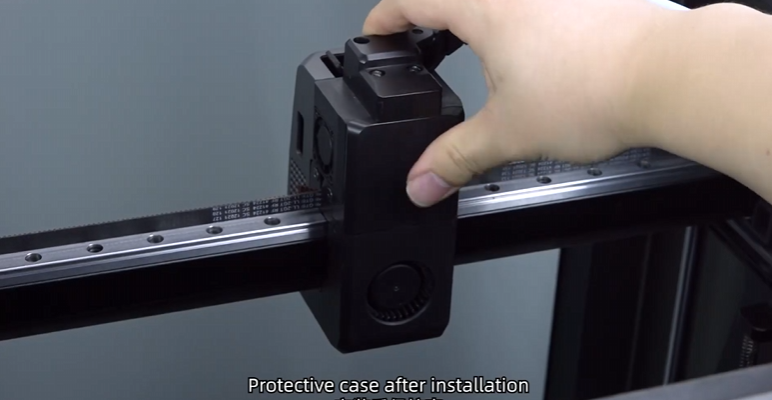
- Step 13: Reinstall the back protective cover.
- Step 14: Power back on the printer and re run the calibration.
Spare Part:
Replacement 4020 Blower Fan Sub Assembly + Fan Duct for Creality K2 Series
Install Video:
Written Guide:
Step 1: Turn off the machine and unplug the machine.
Step 2: Remove Rear Protective Carrier
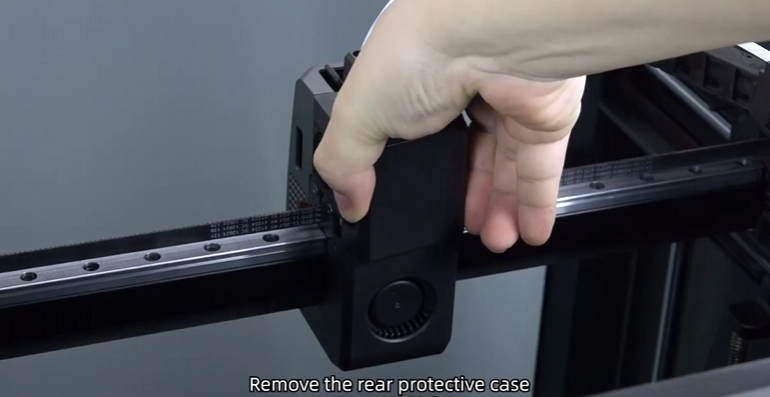
Step 3: Unplug the Fan Connector From Control Board

Step 4: Unplug the nozzle camera plug.
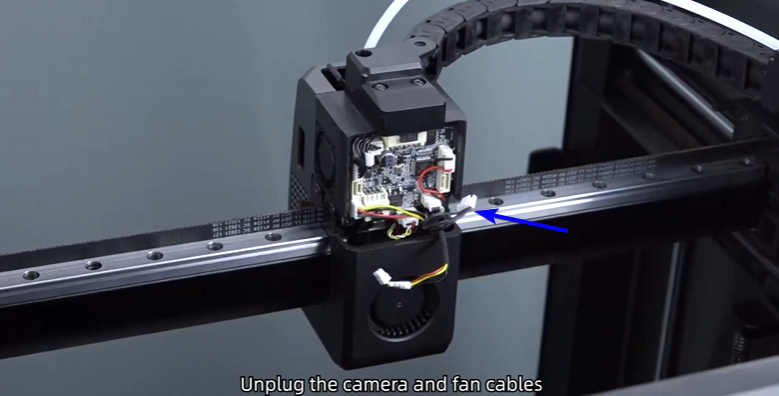
Step 5: Remove the front cover.

Step 6: Remove the 2 retaining fastners marked below, ensure you keep the safe for re-install.

Step 7: Push downwards and back to release the fan cover assembly.
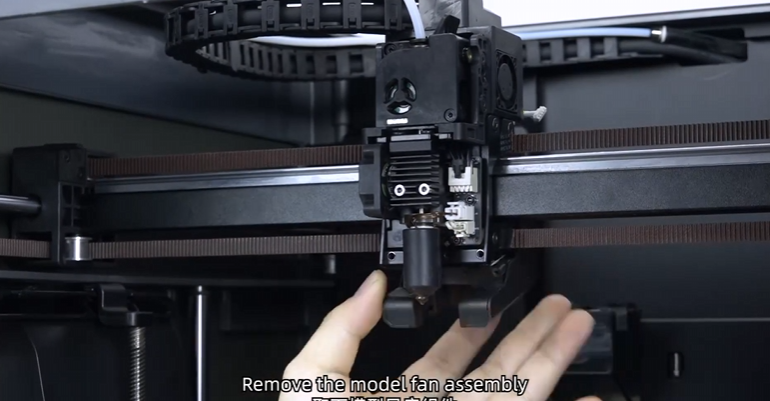
Step 8: Transfer the nozzle camera assembly from existing module to new fan assembly part
You can buy its here (4020 Blower Fan Sub Assembly + Fan Duct)

Step 9: Re-install the sub assembly back onto the toolhead after the camera transplant.

Step 10: Re-install the using removed fasteners from step 6.

Step 11: Re-install the Fan Cover
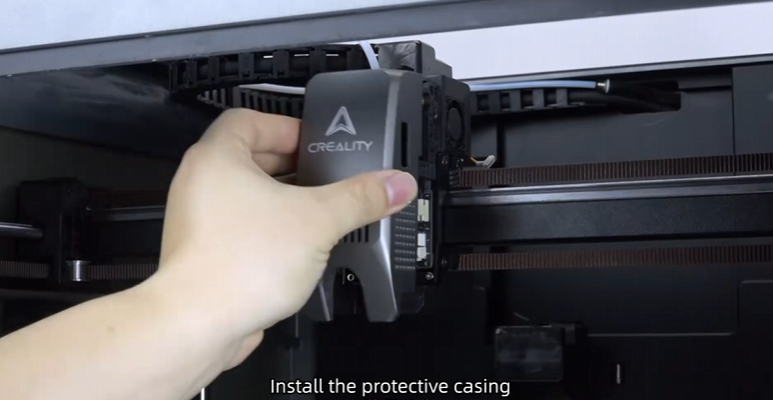
Step 12: Re-plug the part cooling and camera plug back into the toolhead board.

Step 13: Reinstall the back protective cover.
Step 14: Power back on the printer and re run the calibration.
Was this article helpful?
That’s Great!
Thank you for your feedback
Sorry! We couldn't be helpful
Thank you for your feedback
Feedback sent
We appreciate your effort and will try to fix the article