Is your Ender 3 V4 experiencing inconsistent extrusion, clicking sounds, or under-extrusion? These issues often point to a worn extruder mechanism or a failing stepper motor. This guide walks you through replacing both the extruder sub-assembly. The plastic or metal body housing the drive gear and idler and the stepper motor that powers it . The extruder stepper motor for the Ender 3 V4 is the customised (0.8A, 1.8° step angle). We'll cover disassembly, transferring components, installation, and firmware calibration to restore reliable filament feeding.
TABLE OF CONTENTS
- Spare Parts:
- Install Video (Extruder Sub Assembly)
- Install Video (Extruder Stepper Motor)
- Written Guide (Extruder Sub Assembly)
- 1. Remove Loaded Filament.
- 2. Move the toolhead towards higher position for easier access.
- 3. Turn off the printer and removed front cover.
- 4. Remove the nozzle.
- 5. Disconnect Wiring, and remove the logo dial.
- 6. Remove Extrusion Fasteners.
- 7. Loosen bottom screw.
- 8. Remove old extruder
- 9. Reinstall new extruder assembly.
- 10. Reinstall Cable and Dial
- 11. Reinstall Nozzle
- 12. Re-Install Front Cover
- 13. Power on the printer and perform self check.
Spare Parts:
Install Video (Extruder Sub Assembly)
Install Video (Extruder Stepper Motor)
Written Guide (Extruder Sub Assembly)
1. Remove Loaded Filament.
Using on screen, prepare - filament - retract. Once the filament is removed, let the printer hotend cooldown.

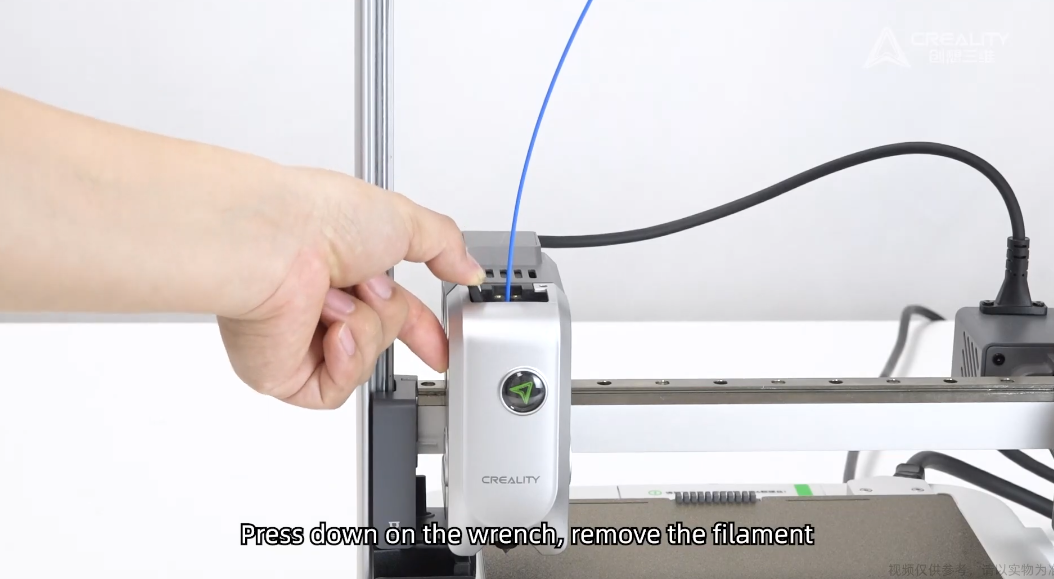
2. Move the toolhead towards higher position for easier access.

3. Turn off the printer and removed front cover.
Ensure the printer hotend/bed is cooldown beforehand.
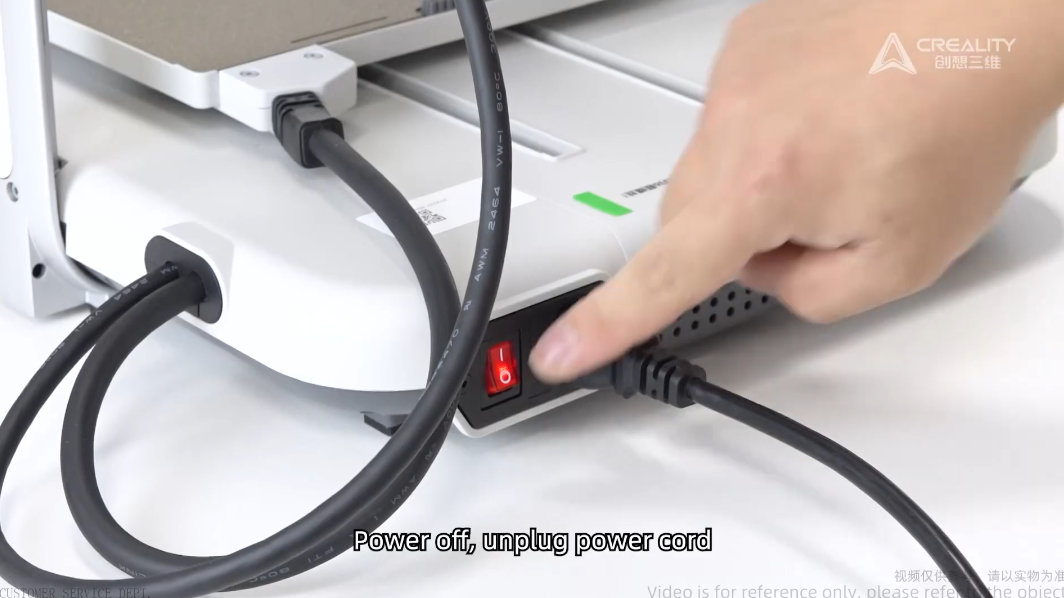
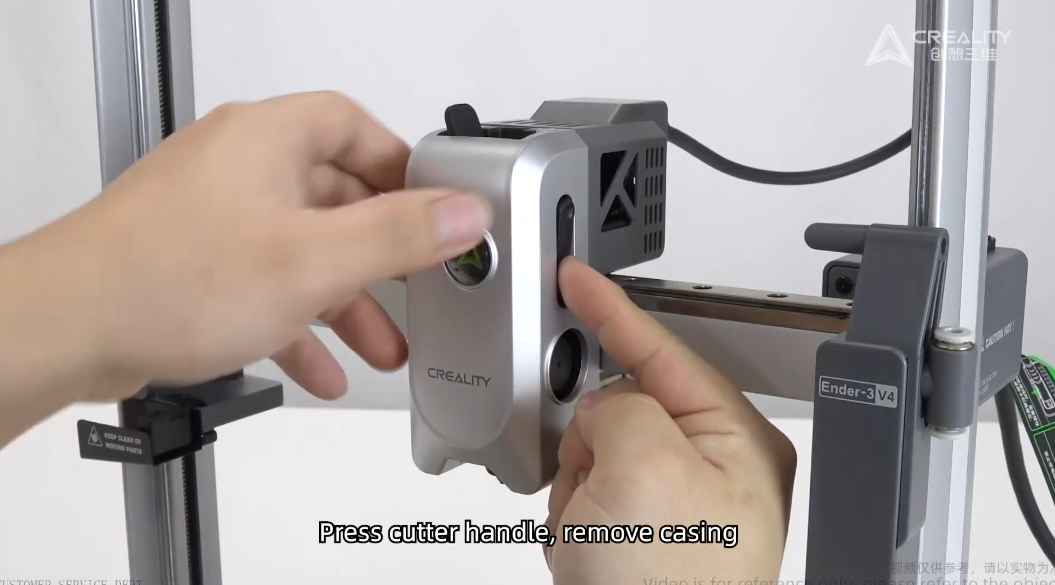
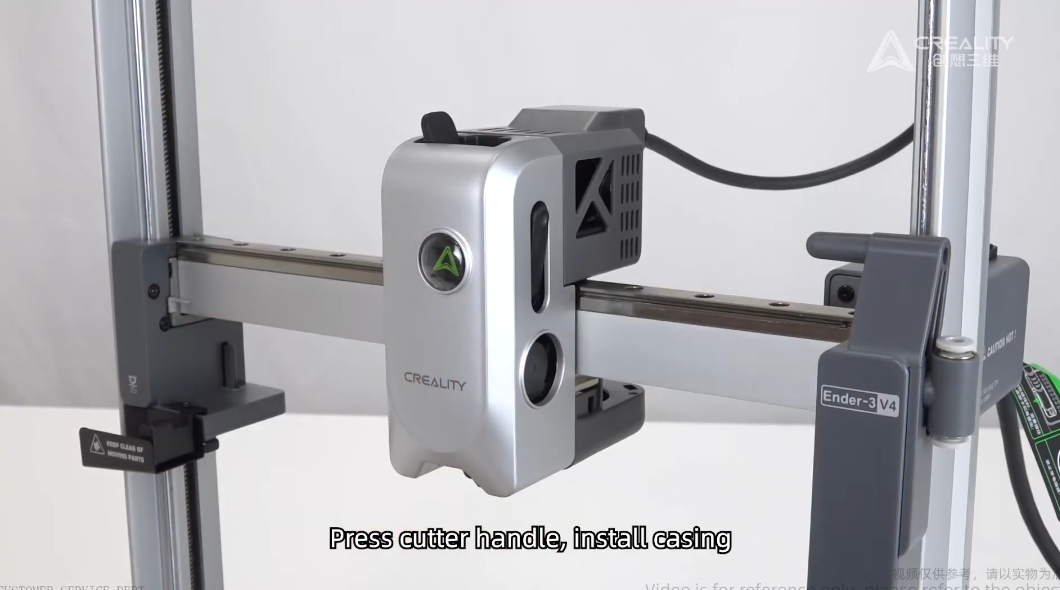
To remove the front cover, press in leaver and lift the front cover.
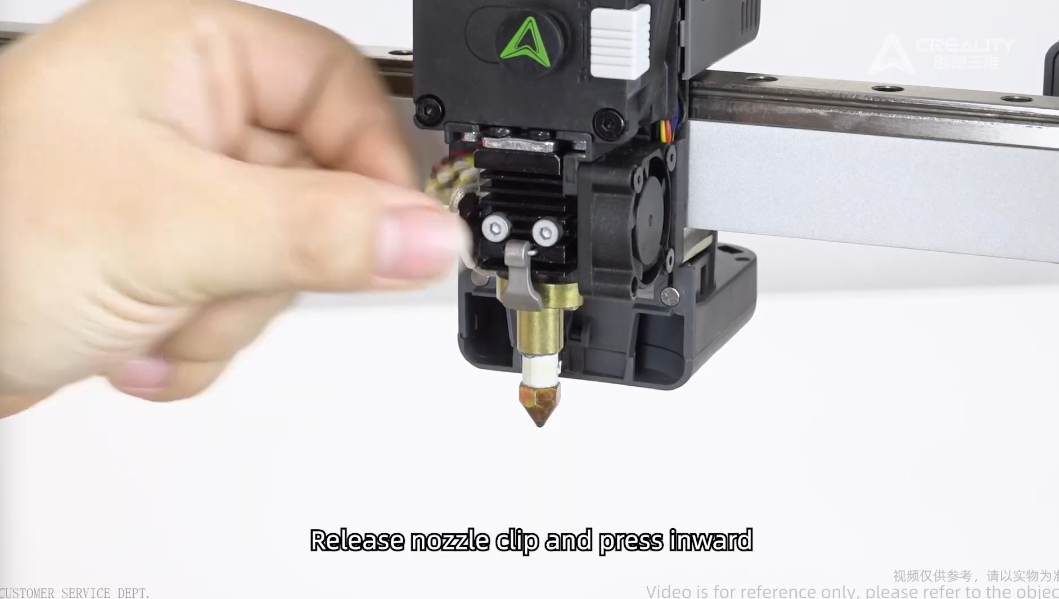
4. Remove the nozzle.
Release the clip and pull out the nozzle.
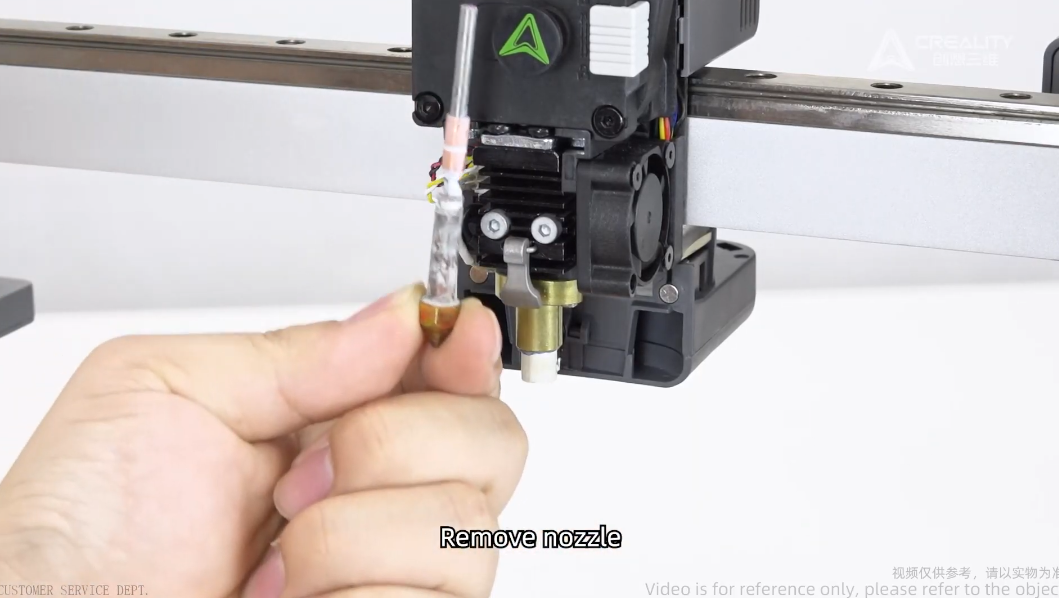
5. Disconnect Wiring, and remove the logo dial.

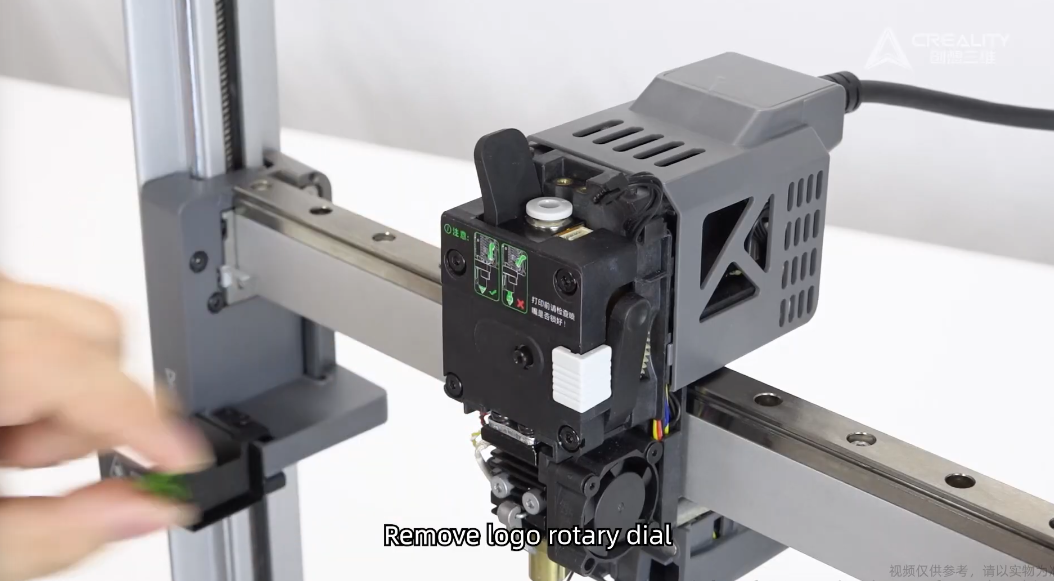
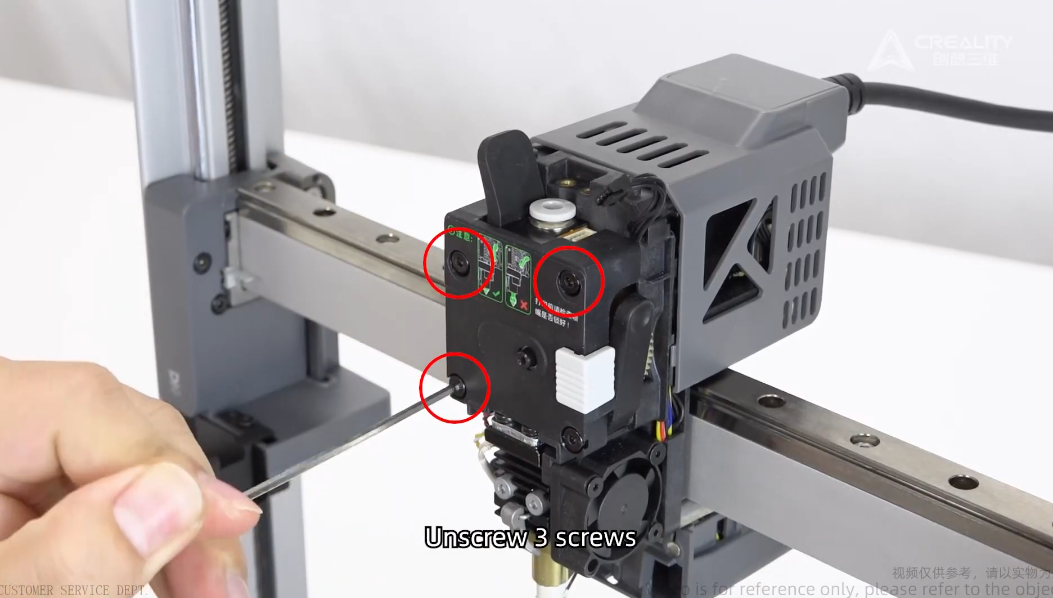
6. Remove Extrusion Fasteners.
Remove the 3 fasteners as below marked.
7. Loosen bottom screw.
Do not unscrew completely otherwise the spring from leaver can fall out.

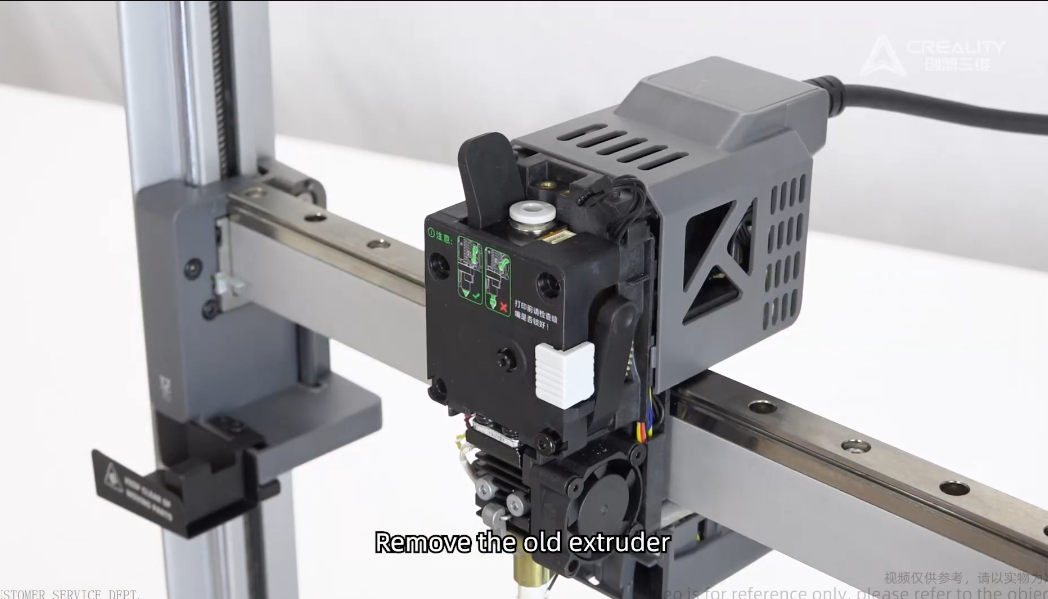
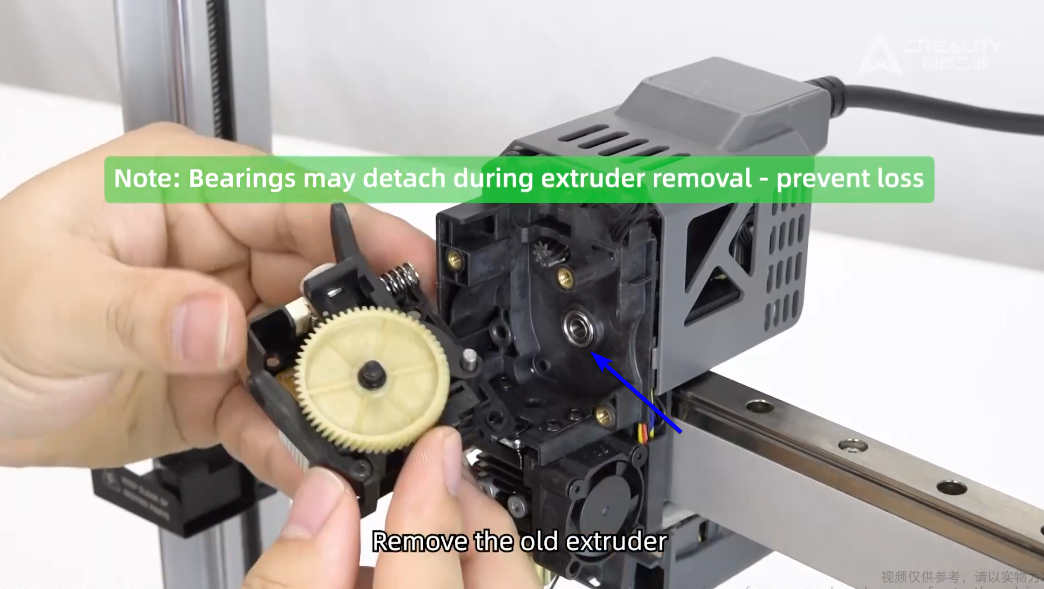
8. Remove old extruder
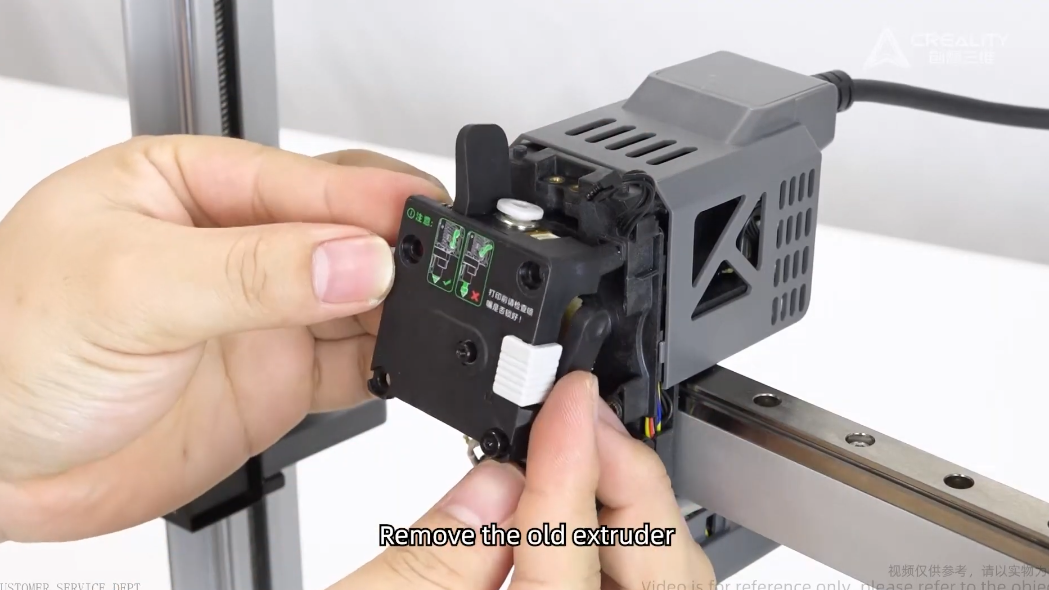
Ensure you don't loose this bearing.
9. Reinstall new extruder assembly.
Extruder Sub Assembly available from DREMC in Australia, shipping worldwide.
Ensure the spring is engaged.
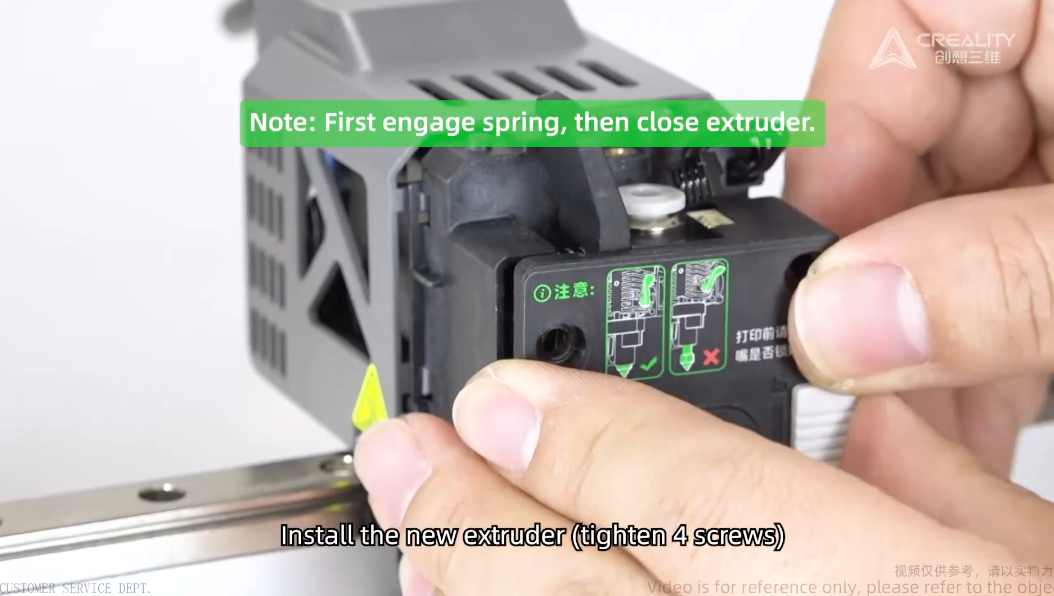
Reinstall 3 screw back.

10. Reinstall Cable and Dial
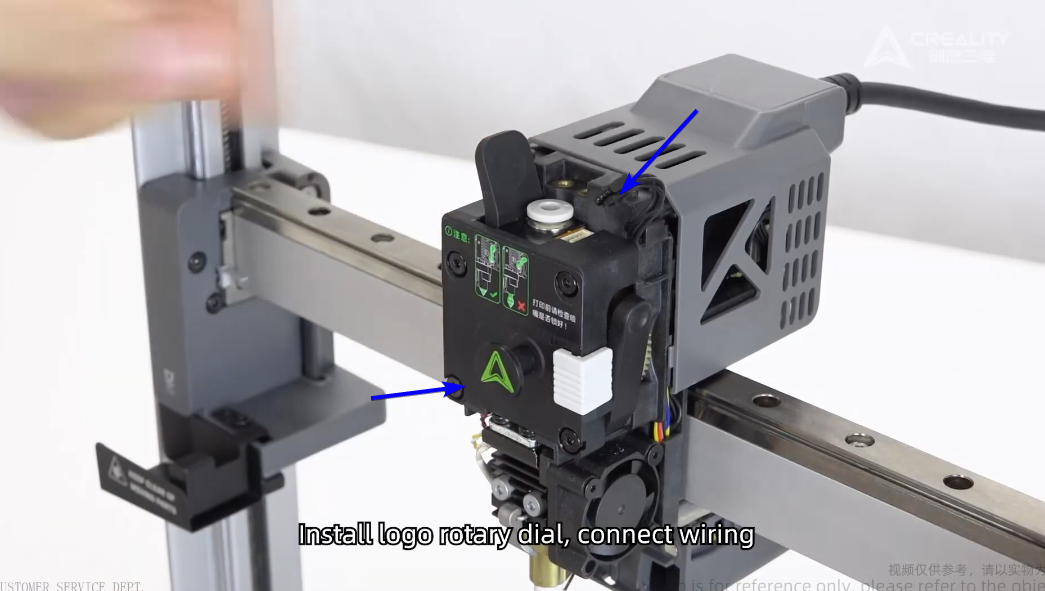
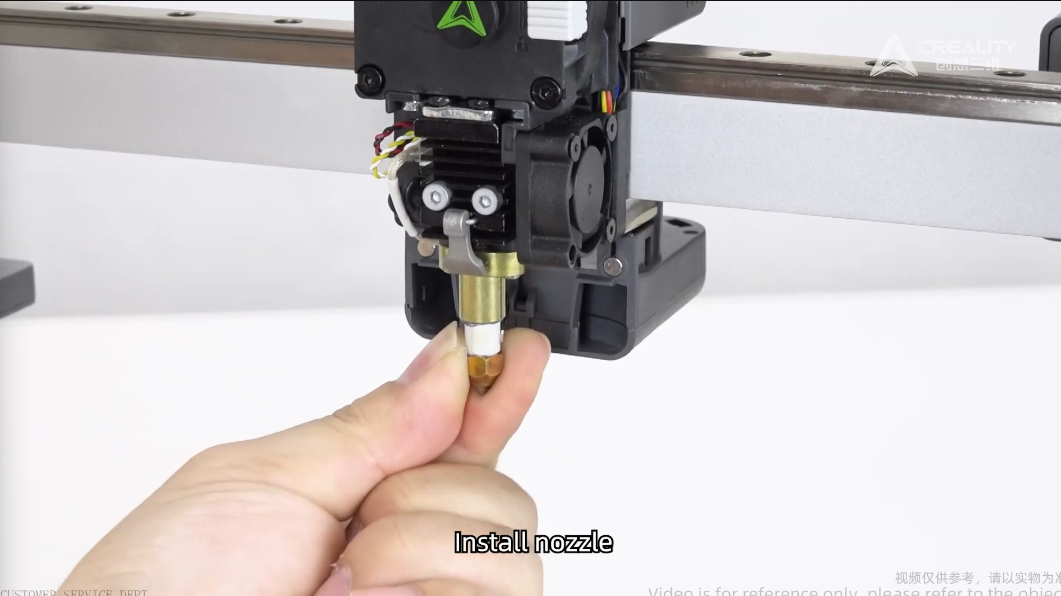
11. Reinstall Nozzle
Ensure you clip the retaining clip.
12. Re-Install Front Cover
13. Power on the printer and perform self check.
Under Setting - Self Check - Click all options.

Was this article helpful?
That’s Great!
Thank you for your feedback
Sorry! We couldn't be helpful
Thank you for your feedback
Feedback sent
We appreciate your effort and will try to fix the article