After importing our generic or Voron profile, go to Filament Settings > Dependencies to enable it for your existing printer profiles.
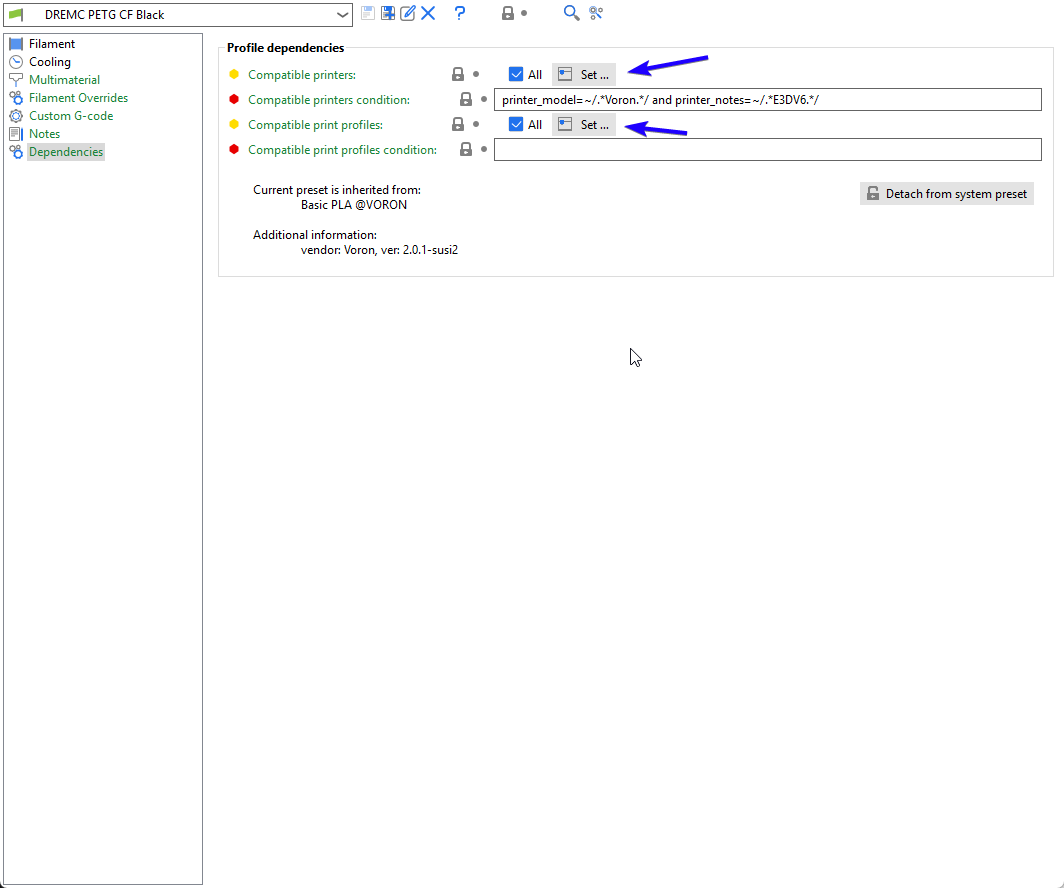
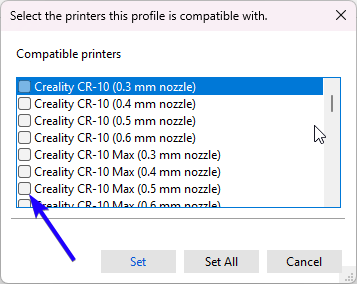
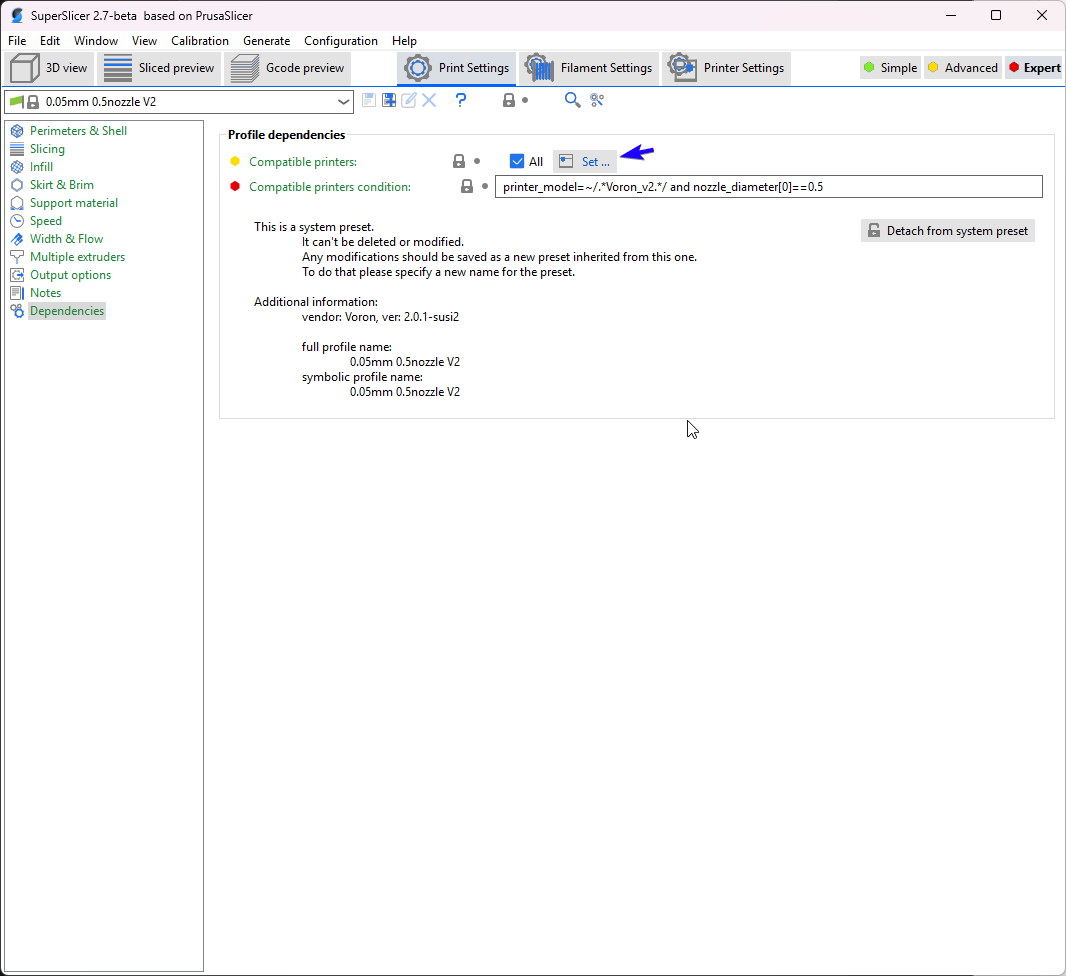
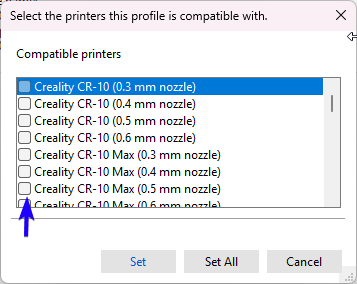
Repeated that for Compatible Print Profile if you wish to use this filament profile with existing print profile, otherwise see below when you go to Print Settings > Dependencies and toggle print setting for your pre existing printer.
Was this article helpful?
That’s Great!
Thank you for your feedback
Sorry! We couldn't be helpful
Thank you for your feedback
Feedback sent
We appreciate your effort and will try to fix the article